HIPAA-Compliant Patient Messaging for Med Spas: Workflows & Software Checklist
Choose patient messaging software with clear permissions, reply ownership and useful workflows. Compare reminders, clinical messages and marketing outreach.
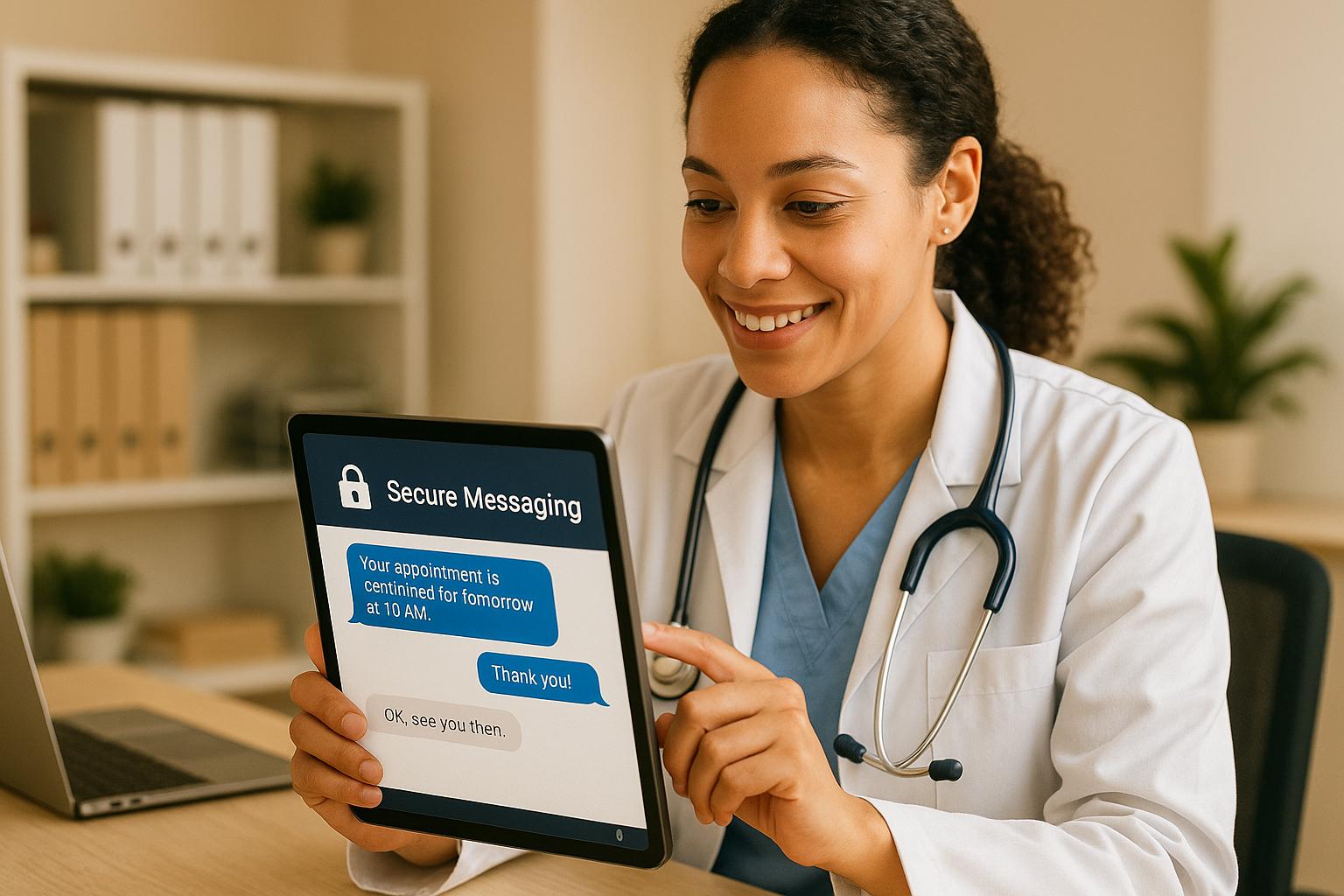

HHS allows practices to communicate with patients electronically, including by email, as long as reasonable safeguards are in place. For med spa patient messaging, that means confirming the right recipient, keeping treatment details out of generic messages, limiting who on your team can see each conversation and having applicable business associate agreements with messaging vendors. Software alone does not make a message HIPAA compliant, and marketing messages need their own review.
Updated September 19, 2026. Practical workflow guidance by Prospyr; no independent legal review is claimed.
What should a med spa look for in patient messaging software?
Evaluate the complete conversation: who may receive the message, what belongs in that channel, who handles the reply, and where the outcome is recorded. A shared inbox is useful only when your team can identify the patient, find the relevant history and stop the wrong automation. Software is one part of a compliant process; buying a product does not make every message appropriate.
Use the checklist below in a real demo with fictional patients. Prospyr publishes this guide and sells practice software; the evaluation criteria are intended to help you compare workflows, not certify a vendor.
Separate three different messaging jobs
| Message | Example purpose | Review before sending | Success measure |
|---|---|---|---|
| Appointment logistics | Confirm an appointment or offer a reschedule route | Contact details, channel preferences, permitted content, booking status | Completed appointment or resolved scheduling request |
| Clinical communication | Route a question or follow-up to the care team | Identity, appropriate channel, access controls, clinical escalation | Appropriate clinician review and documented resolution |
| Marketing or reactivation | Invite an eligible person to consider another visit | Campaign eligibility, channel permission, opt-outs and applicable marketing rules | Completed eligible visits; separately measure incremental benefit |
A clinical relationship should not be treated as blanket permission for every campaign. HIPAA considerations and channel-specific marketing requirements need separate review. Do not place sensitive treatment detail in a generic reminder just because your template has room for it.
Reading about the problem? See how Prospyr solves it in one platform.
Book a DemoWhat does HHS say about patient email?
HHS permits electronic patient communications with reasonable safeguards, discusses precautions for unencrypted treatment-related email, and explains accommodation of reasonable confidential-communication requests. That guidance does not certify an SMS campaign, remove Security Rule obligations or settle every state-law requirement. Read the HHS patient email guidance.
For marketing questions, start with HHS marketing guidance and have the actual use reviewed. This guide does not determine whether your particular message requires authorization.
Workflow 1: appointment reminder with an owned reply
- Check that the appointment is still booked and the selected contact channel is appropriate.
- Send the minimum useful scheduling information under your approved template.
- Route replies to an accountable team or person, with a coverage plan when they are unavailable.
- If the patient cancels or reschedules, update the appointment and stop obsolete reminders.
- Review failed deliveries and unresolved replies before the appointment.
Illustrative draft: “Hello from [Practice]. Please check your appointment details using your usual booking link or call our office if you need to make a change.” Have your team approve sender identity, links and content before using a template. This is not an emergency or clinical-advice channel.
Test a cancellation, a duplicate record and an undeliverable number in the demo. The important question is whether your staff can resolve the situation and see what happened—not whether a message counter increased.
Workflow 2: route a clinical question safely
A front-desk reply should acknowledge receipt and follow the practice's approved escalation process. Staff should not improvise treatment advice from a messaging template. Demonstrate how access is restricted, who owns the handoff, how the clinician sees context, and how a resolved conversation is recorded. Explain business hours and urgent-care alternatives in the practice's approved language.
Workflow 3: a small reactivation campaign
Start with a defined, eligible cohort. Exclude opt-outs, future bookings and unresolved concerns. Set a stop condition for a reply, booking or opt-out; assign an owner for responses. Compare delivered messages, replies, bookings and completed visits separately. See our patient reactivation workflow and download its planning worksheet below.
A patient messaging software demo checklist
| Ask the vendor to demonstrate | Evidence to request |
|---|---|
| A patient replies after an appointment reminder | Shared context, clear ownership and next action |
| The same patient reschedules | Obsolete messages stop; new appointment information is used |
| A user should not see a conversation | Actual role/access behavior, not a slide claiming security |
| A patient changes communication preferences | The preference is stored and respected in the relevant workflow |
| A message fails or the integration is unavailable | Visible failure state, retry behavior and staff escalation |
| You change systems | Export scope, retention responsibilities and contract terms |
Ask about applicable business-associate agreements, subcontractors, data handling and your own configuration responsibilities. Review the contract and actual deployment; avoid a universal “HIPAA certified” shortcut.
How Prospyr fits
Prospyr's 2-way SMS brings conversations into a shared inbox, and workflow automation supports event-driven follow-up. Evaluate those capabilities alongside patient portal and follow-up messages, all tied to the same med spa EMR record, for your actual communication needs. Ask the demo team to show your cancellation and handoff scenarios. Book a workflow-focused demo.
Track response ownership, unresolved replies and completed visits—not just message volume. Never send real patient information to a sales demo or a downloadable planning worksheet.
Software comparison
What is the best marketing automation software for med spas?
Of the 18 platforms compared (reviewed July 2026 – September 2026), 6 document all three (email and SMS campaigns, two-way SMS and automated follow-up messages) as included: Prospyr, Boulevard, Pabau, PatientNow, Symplast and Zenoti. The least common are email and SMS campaigns (8 of 18) and two-way SMS (9 of 18). Prospyr publishes this comparison and is one of the platforms in it.
- Email and SMS campaigns (8 of 18): Prospyr, Boulevard, Pabau, PatientNow, Symplast, Zenoti, Moxie and Vagaro
- Two-way SMS (9 of 18): Prospyr, Boulevard, Pabau, PatientNow, Symplast, Zenoti, 4D EMR, Aesthetic Record and BoomerangFX
- Automated follow-up messages (15 of 18): all except AestheticsPro, Mangomint and Nextech
Free PDF guide + worksheets
Membership, reactivation and no-show workbook
Get the public answers and fillable review worksheets in one PDF. Save your own copy or print it for a team review. Use internal references only; keep patient information in your authorized clinical system.
- ✓ Sourced answers and practical examples
- ✓ Worksheets for your team to complete
- ✓ Official references and review prompts