Multi-Location Management for Med Spas: Run five locations without five different setups
Run every location, room, and device from one Prospyr workspace, with the reporting and controls to manage a growing practice group without duplicating your setup at each site.
Book a DemoScale operations across every location
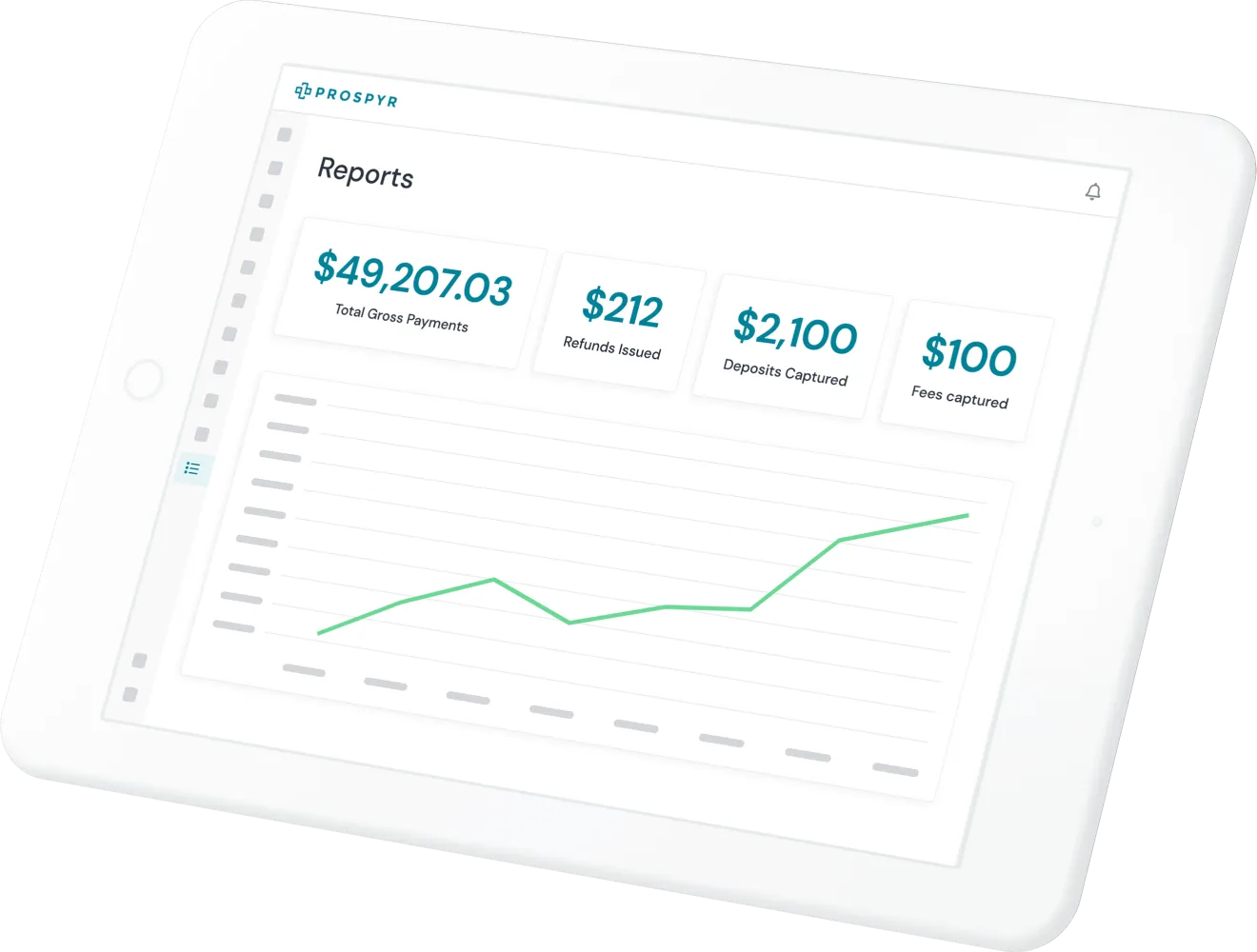
Organize locations into regions, standardize rooms and devices, and keep every site working from the same system.
- Set up rooms, devices, and staff assignments per location while managing services, pricing, and policies from one central place.
- Group locations into regions to compare performance, staffing, and revenue across your practice footprint.
- Lock any staff member to their location or region when you need it - owners see every site.
Frequently asked questions
Can I manage rooms and devices separately for each location?
Yes. Each location has its own rooms, devices, and staff assignments, while services, pricing, and policies are still managed from one central place.
Can I compare performance across multiple locations?
Yes. Locations can be grouped into regions, which lets you compare performance, staffing, and revenue across your practice footprint rather than looking at one site in isolation.
Do staff at one location see data from other locations?
Scoping is opt-in: unscoped staff see the whole workspace. Lock a staff member to their location or region if you want to restrict their view - owners always see every site.
Do I need a separate Prospyr setup for each new location I open?
No. New locations are added within the same workspace rather than duplicating your setup, so services, pricing, and policies don't need to be rebuilt from scratch each time.
See Multi-Location Management in a live demo
Book a DemoHow other platforms compare
- Which med spa software can run multiple locations? – Per-site rooms, devices, and scoped team access, versus a shared calendar with limited site controls.
Other features to help run your aesthetics business
Capture Interest
Convert to Patient
Onboard Patients
Serve Patients
Capture Payment
Retain Patients