Med Spa Phone Routing & IVR Software: Scale phone coverage without adding staff
Route incoming calls to the right person or department automatically with custom call trees, hold queues, and transfer rules that keep phone service professional as your practice grows.
Book a DemoRoute every call to the right person
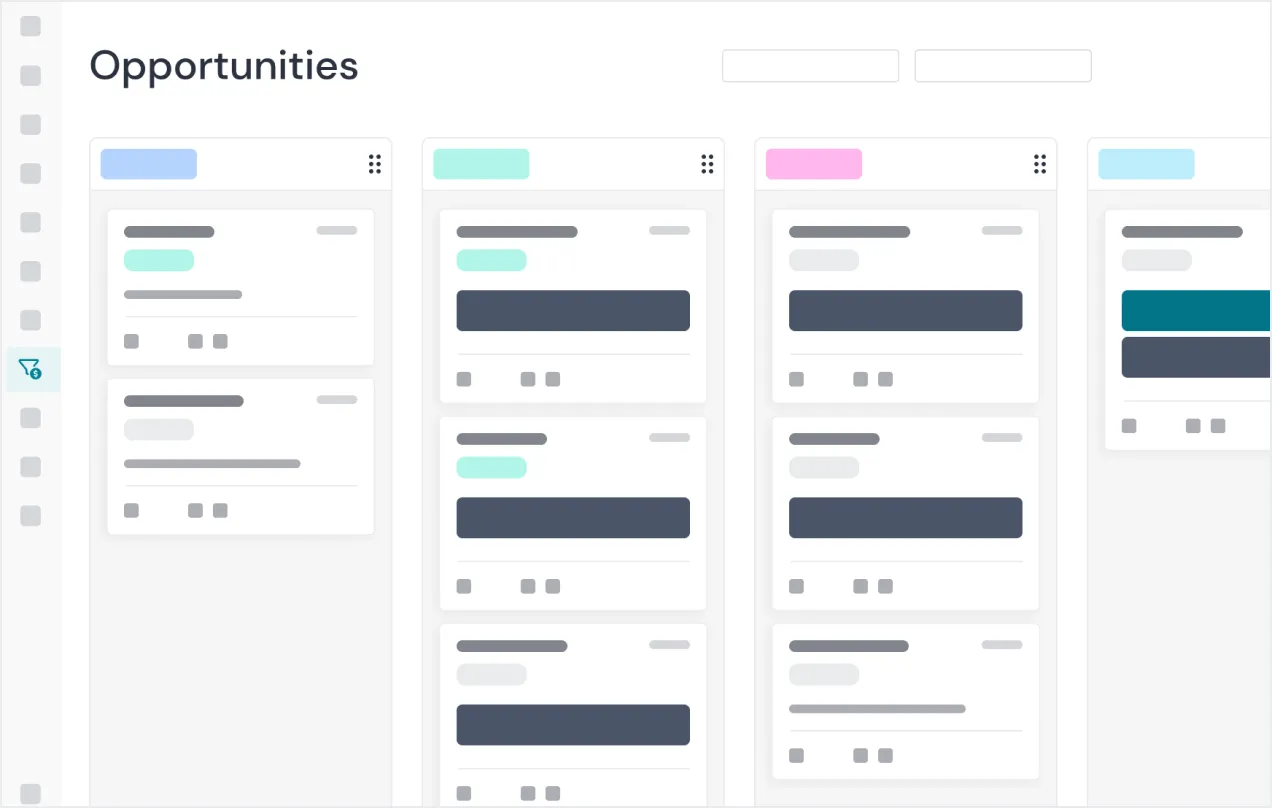
Build IVR menus and routing rules so callers reach the right location, provider, or department without being bounced around.
- Set up menu options and routing rules per phone line or number, so a caller reaches the front desk, a provider, or billing without a manual transfer.
- Hold queues and parking groups keep multiple calls organized during busy hours, so no caller gets lost or forgotten.
- Extend the same professional call handling to every location as you add sites, without hiring extra phone staff.
Frequently asked questions
Can each phone line have its own call routing rules?
Yes. Menu options and routing rules are set per phone line or number, so a caller reaches the right front desk, provider, or billing contact without a manual transfer.
What happens when several calls come in at the same time?
Hold queues and parking groups keep multiple calls organized during busy hours, so no caller gets lost or forgotten while staff work through them.
Do we need to hire more phone staff as we open new locations?
No. The same call-handling setup extends to every new location, so you can keep professional phone coverage as you grow without hiring dedicated phone staff for each site.
See Voice Routing & IVR in a live demo
Book a DemoOther features to help run your aesthetics business
Capture Interest
Convert to Patient
Onboard Patients
Serve Patients
Capture Payment
Retain Patients