Med Spa Photo & Media Archive Software: Show patients real results without digging through folders
The Media Archive addresses key practice problems by providing a centralized platform for organizing and accessing all photos and videos.
Book a DemoEnhance practice efficiency and compliance
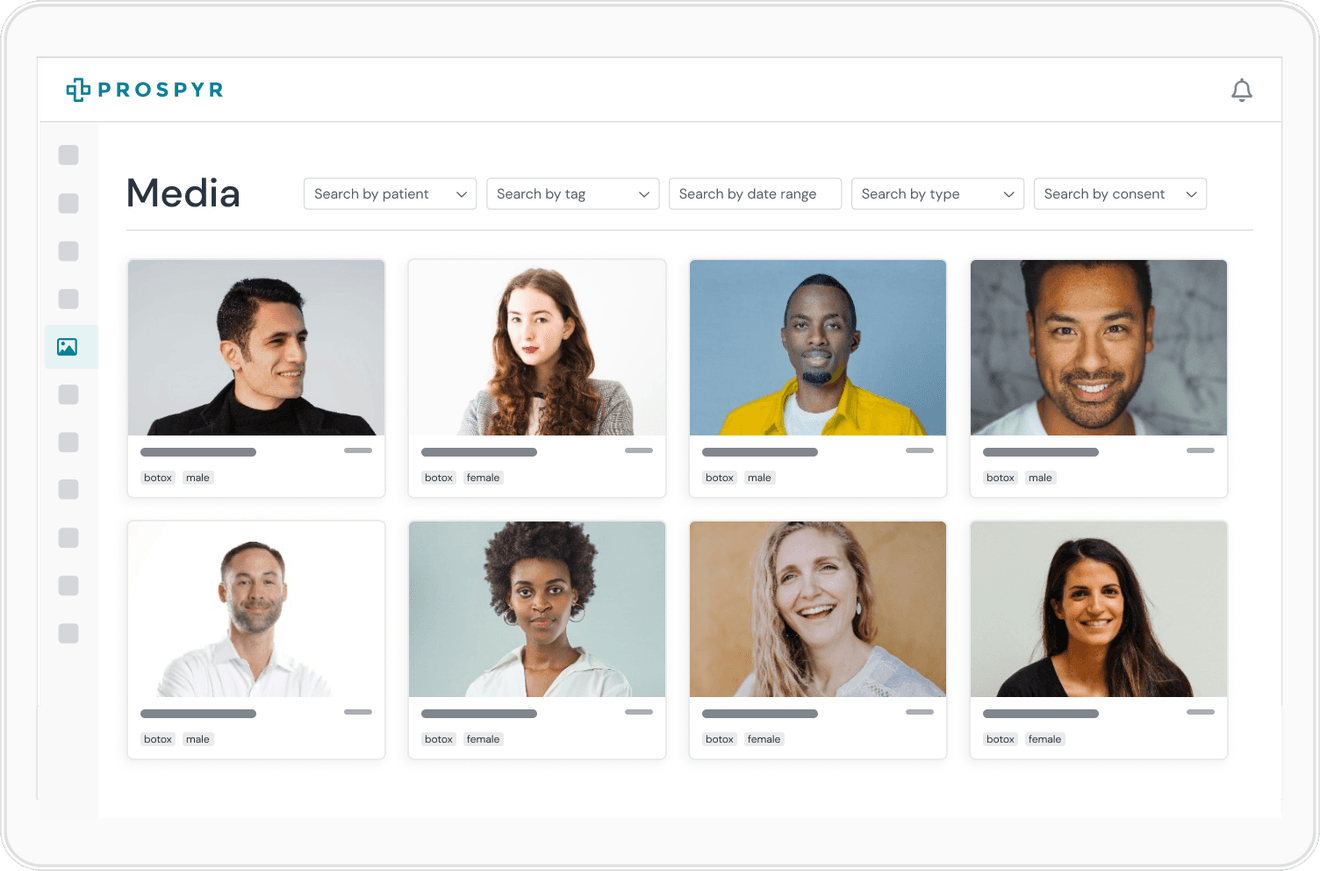
Streamline media organization, ensure compliance with ease, and elevate patient consultations.
- Quickly tag, search, and access patient photos and videos, reducing time spent on administrative tasks.
- Manage and track patient consent for media use, safeguarding against privacy breaches.
- Utilize before-and-after photo compilations to visually demonstrate treatment effectiveness, boosting patient confidence and satisfaction.
Frequently asked questions
Can we quickly pull up a specific patient's past photos during a consult?
Yes. Photos and videos are tagged and searchable, so you can quickly find and access what you need instead of scrolling through a camera roll or shared drive.
Does the archive track patient consent for using their photos?
Yes. Media Archive manages and tracks patient consent for photo and video use, which is central to safeguarding against privacy breaches.
Can we build before-and-after compilations to use in consultations?
Yes. Before-and-after compilations can be assembled from the archive to visually demonstrate treatment effectiveness, which helps build patient confidence during a consult.
Is this the same library we post to social media from?
Yes. Photos and videos organized in the Media Archive are the same library Social Media Integration posts directly from, so there's no need to move media between systems to share it.
See Media Archive in a live demo
Book a DemoHow other platforms compare
- Which med spa software manages before-and-after photos? – Tagged, searchable photo archives with consent tracking, versus a more limited photo tool.
Other features to help run your aesthetics business
Capture Interest
Convert to Patient
Onboard Patients
Serve Patients
Capture Payment
Retain Patients