Waitlist Management for Med Spas: Fill a cancellation before your front desk notices it's open
Notify your waitlist automatically or in one click when a slot opens, so a gap in your schedule doesn't turn into lost revenue.
Book a DemoTurn cancellations into filled appointments
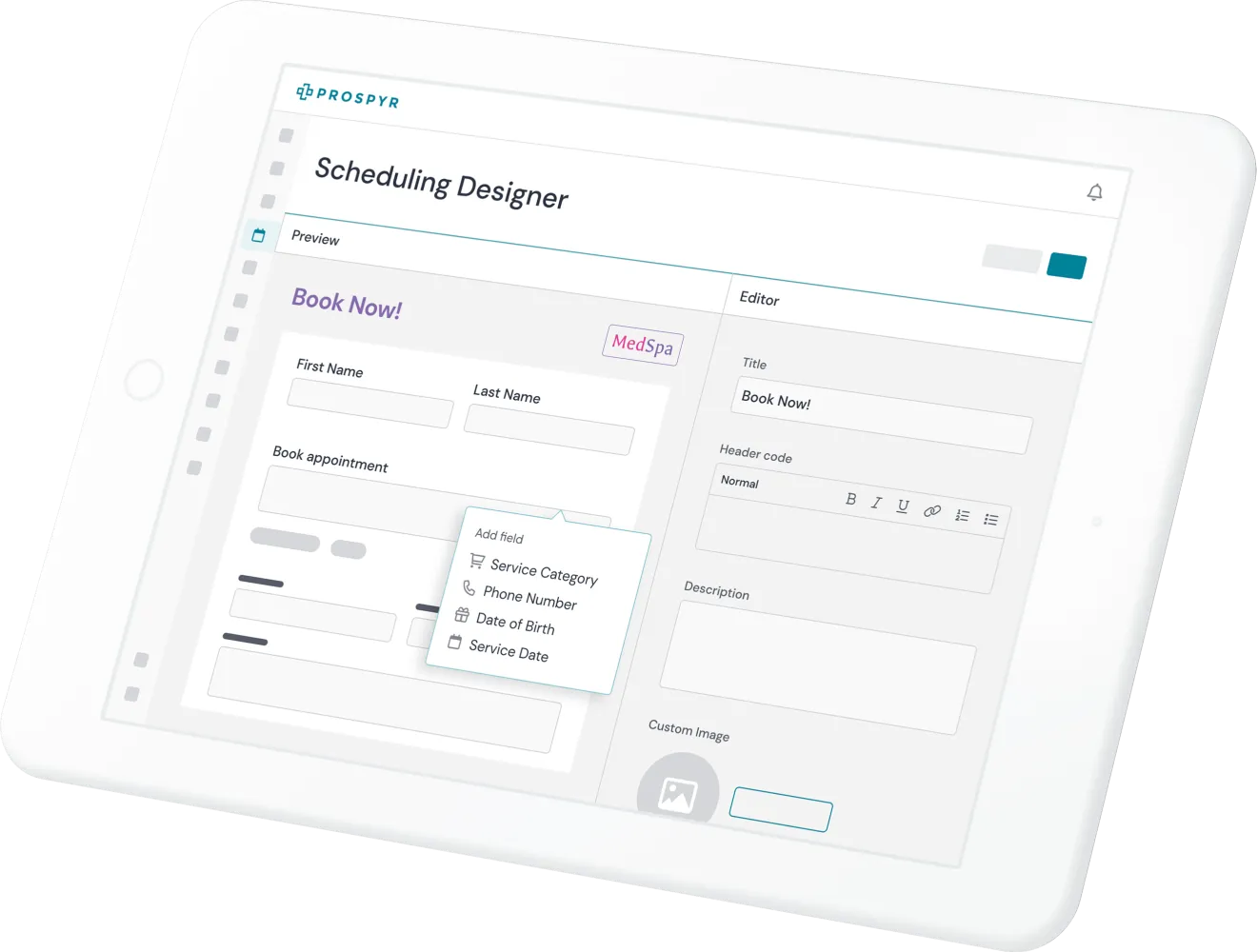
Keep your schedule full by letting the waitlist do the work of finding the next available patient.
- Patients can join a waitlist for a fully booked service or provider and get notified the moment a matching slot opens up.
- Notify your waitlist automatically for patient-initiated cancellations (opt-in), or reach them in one click when your front desk cancels an appointment - either way, the slot doesn't sit open while you fill it by hand.
- Recovered slots book straight back onto your calendar, turning what would've been an empty gap into a filled appointment instead.
Frequently asked questions
How does a patient get added to the waitlist?
A patient can join the waitlist for a service or provider that's fully booked, right from the same booking flow, instead of being told to call back later.
What happens automatically when someone cancels an appointment?
If a patient cancels online, opt-in automatic outreach can reach your waitlist on its own. If staff cancel the appointment instead, notifying the waitlist takes one click rather than firing automatically.
Do patients have to keep checking back to see if a spot opened up?
No. Waitlisted patients get notified the moment a matching slot opens, so they don't have to keep checking in on availability themselves.
Does someone have to manually trigger outreach every time a slot opens?
Not necessarily. Automatic outreach is opt-in and fires on its own for patient-initiated cancellations. If your front desk cancels an appointment instead, notifying the waitlist is a single click.
See Waitlist Management in a live demo
Book a DemoHow other platforms compare
- Which med spa software has the best features to reduce appointment no-shows? – Deposits, waitlists, and automated follow-up messages — the three tools that protect the schedule, compared separately.
Other features to help run your aesthetics business
Capture Interest
Convert to Patient
Onboard Patients
Serve Patients
Capture Payment
Retain Patients