Workflow Automation for Med Spas: Trigger the follow-up before anyone has to remember it
Build no-code workflows that trigger the right action automatically, whether that's sending a reminder, creating a task, or updating a patient record after an appointment is booked.
Book a DemoAutomate the steps your staff repeat daily
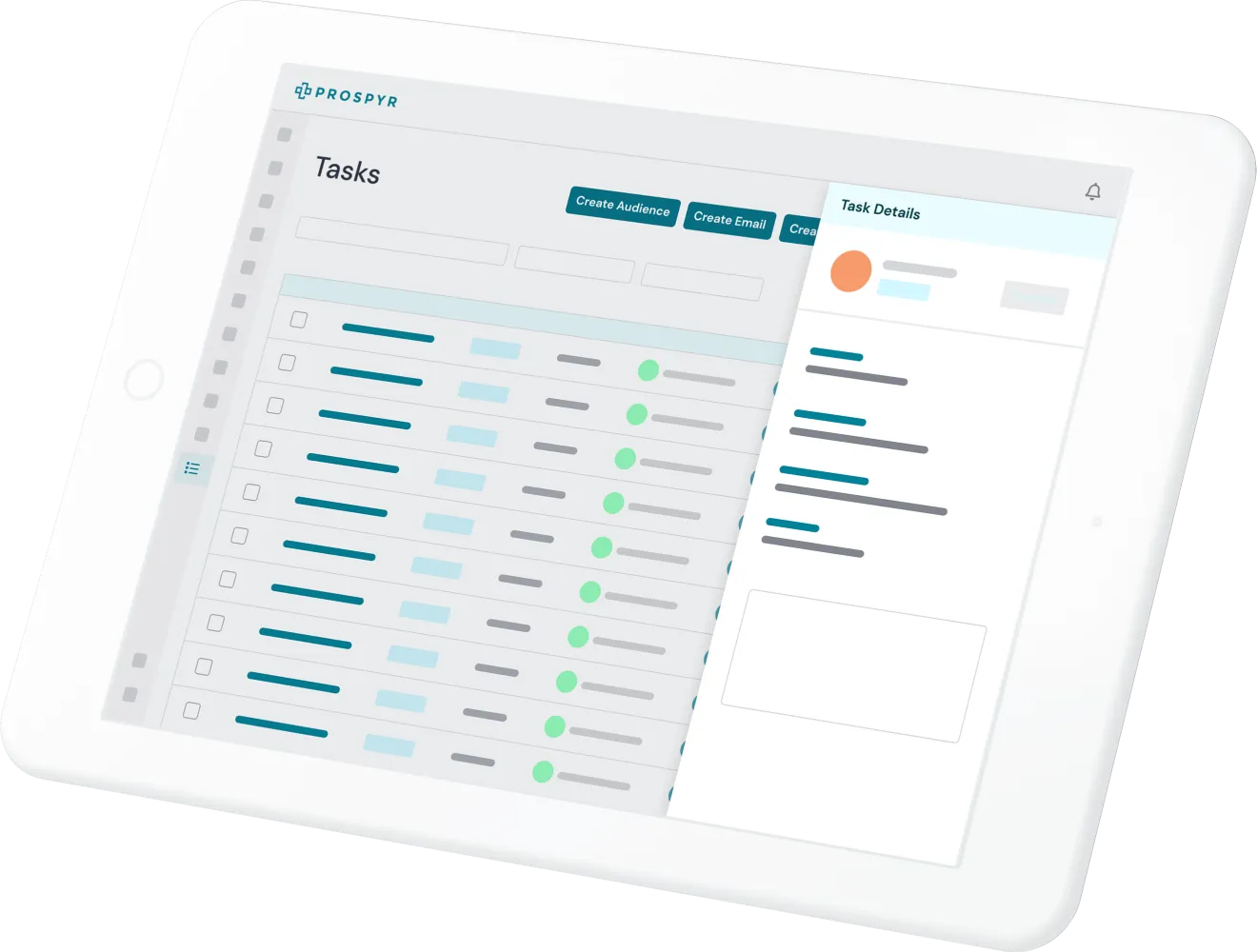
Chain triggers and conditions together so routine work happens on its own, without a staff member touching every step.
- Set up rules like appointment booked, then send intake forms, then assign a follow-up task, and let Prospyr run them for every patient automatically.
- Conditional logic routes different patients down different paths, so a new patient and a returning member never get the same generic sequence.
- Review workflow runs to see exactly what fired and when, so automation stays transparent instead of a black box.
Frequently asked questions
Do I need a developer to set up automation rules?
No. Workflow Automation is no-code, so triggers and conditions, like sending intake forms after a booking, can be set up without engineering help.
Can different types of patients follow different automated paths?
Yes. Conditional logic lets a workflow route a new patient down a different sequence than a returning member, instead of sending everyone the same generic steps.
How do I know what an automation actually did for a specific patient?
Workflow Runs give you a record of exactly what fired and when for each automation, so you can review its actions instead of treating it as a black box.
What kind of actions can a workflow trigger?
A workflow can chain actions like sending a reminder, creating a task, or updating a patient record once a trigger condition, such as an appointment being booked, is met.
See Workflow Automation in a live demo
Book a DemoOther features to help run your aesthetics business
Capture Interest
Convert to Patient
Onboard Patients
Serve Patients
Capture Payment
Retain Patients